
Review photos and recipient
Review your photo and recipient, then send by email.
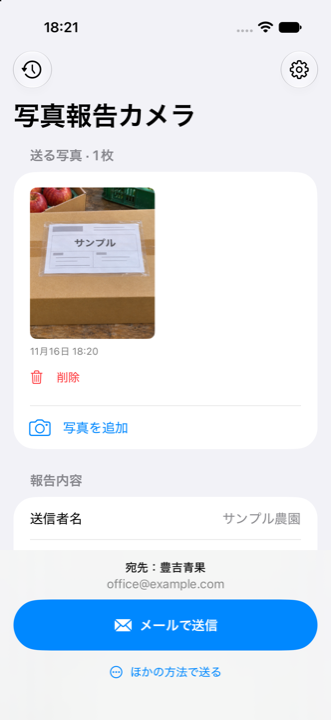
For iPhone · Japanese app interface
“The shipment is on its way.”
Let a photo carry the details.
Photograph a shipping label or finished work and email it to your usual contact. Keep the field notice short, with less typing.
Initial sender service connection setup is required. The app interface is currently Japanese.
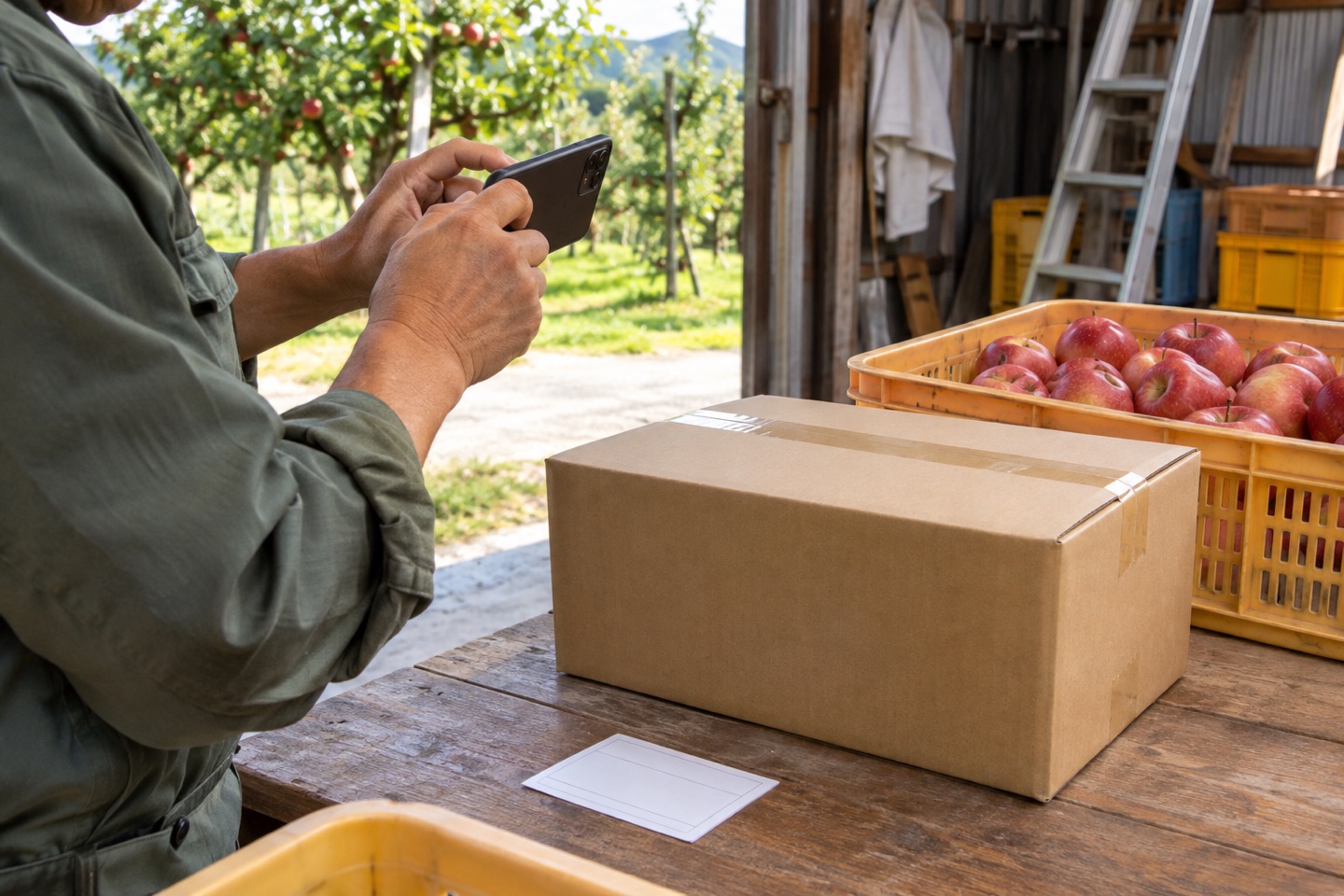
From photo to inbox
Send photos from farms and field work to the wholesaler or office inbox already in use. Recipients do not need to install a new app.
Capture and send in the iPhone app
Email with photo attachments
Via the sending serviceView photos in the usual email app
No dedicated recipient app needed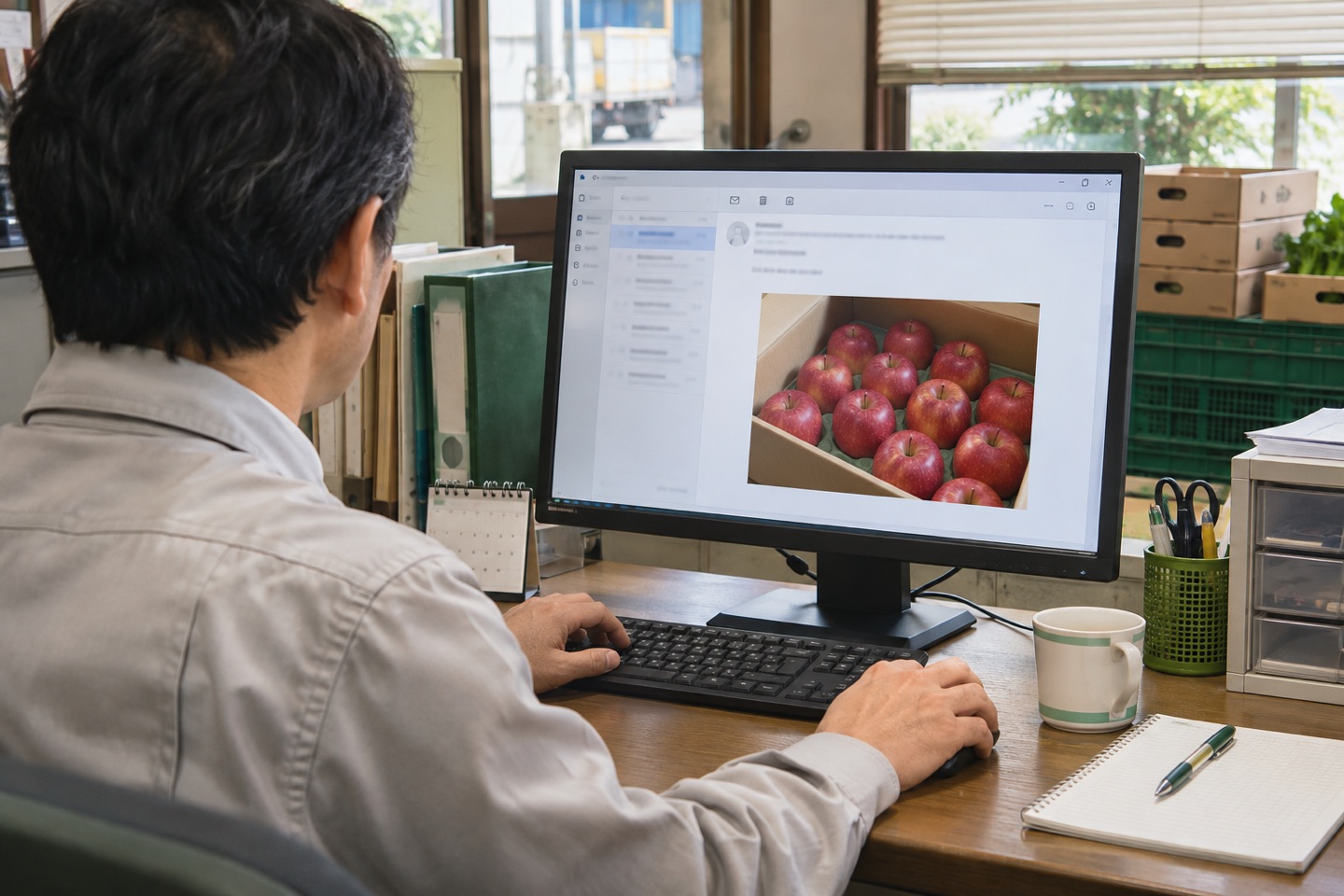
Email submission acceptance does not guarantee delivery or reading.
Use a QR to import settings together, or enter them manually without one. Email sending separately requires administrator-issued connection details.
01 / A shorter reporting routine
Save your sender name and the recipient’s email. Complete the initial service connection with the person arranging your setup.
A label, a parcel overview, or a cleaned room. Add several photos and a short optional comment when needed.
Submit a photo email from the app. The recipient can use their usual email application.
Actual app screens
Review the photo, destination, and useful fields before reporting. These are actual app screens.
Review your photo and recipient, then send by email.
Set up the destination and fields once, using a QR or manual entry.
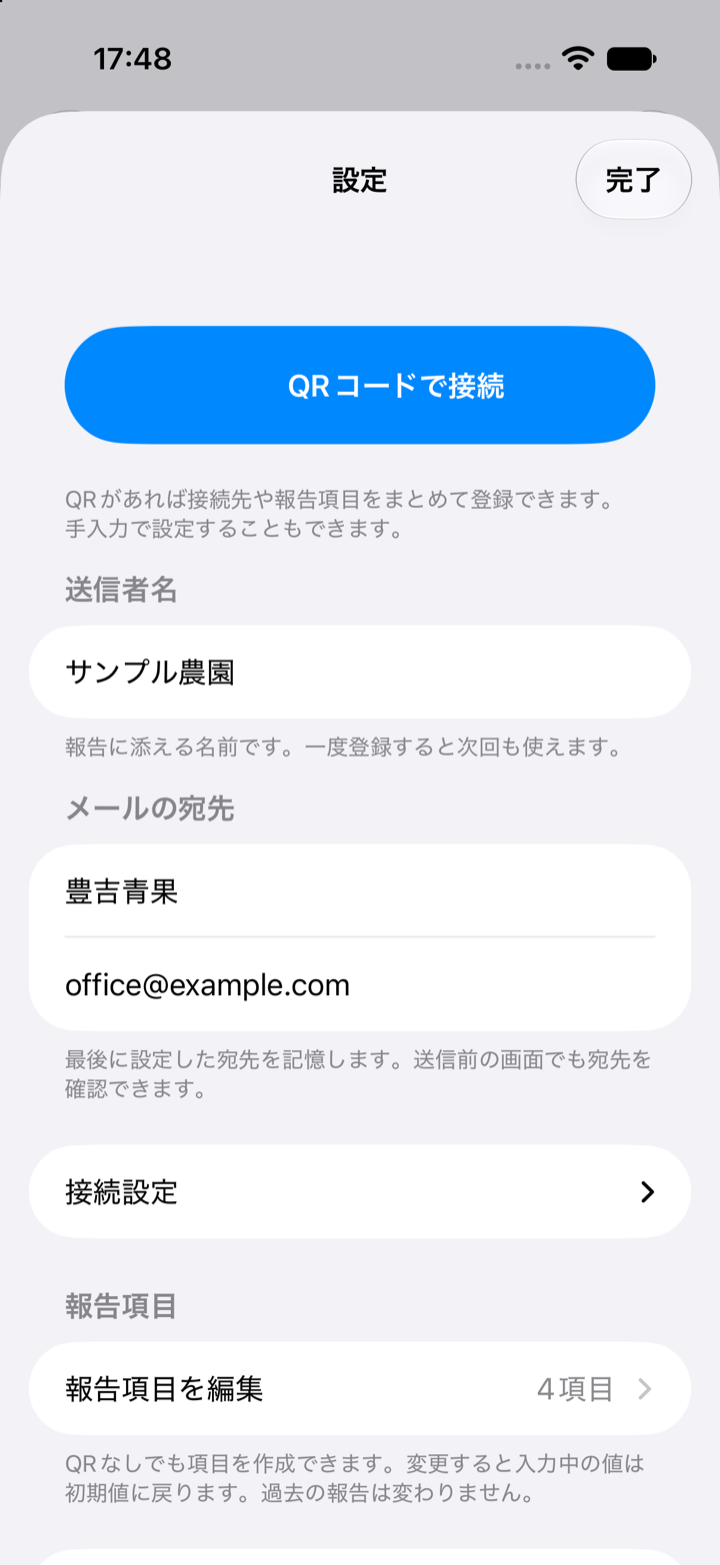
Choose text, number, or select fields, with required input and defaults as needed.
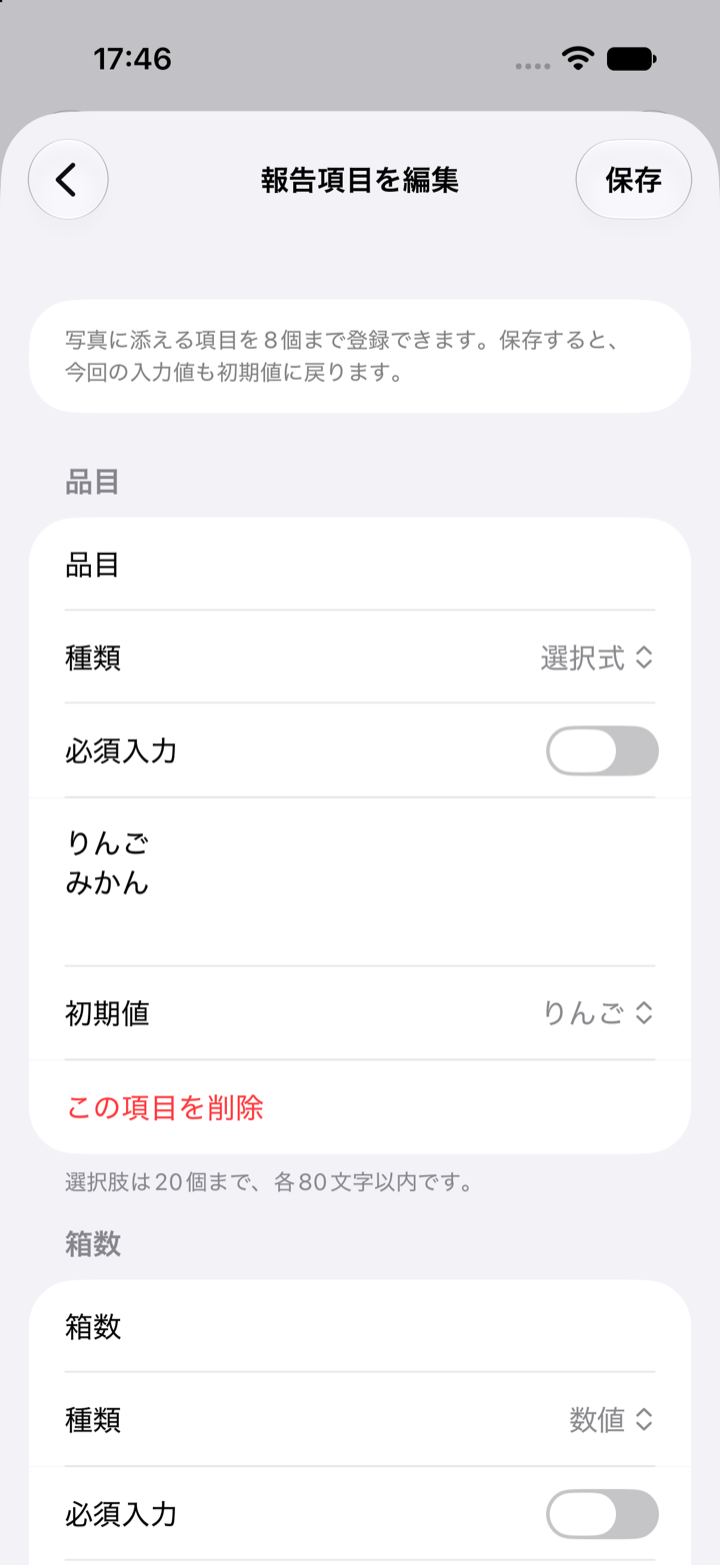
Actual app screens (Japanese interface, sample data).
02 / Useful situations
Farm → wholesaler
Send a label and parcel overview to announce a dispatch. OCR or quantity entry is not a required step.
↗Worker → office
Photograph agreed areas and note completion or exceptions. A quick notice before any formal paperwork.
↗Field → responsible contact
Send context and detail together for a useful decision. Keep formal inspection records separate.
↗03 / Focused by design
V1 focuses on iPhone photo capture and sending. It does not include OCR, video, a shared management ledger, or authenticated tamper-proof certificates.
04 / Know what the status means
Service acceptance does not guarantee a person has read the report. Use an agreed direct contact or reply process when confirmation is urgent.
Email delivery temporarily processes photos on the server and sends them as attachments. The service does not provide its own long-term photo album.
Read about data handling →05 / Practical decisions
A practical starting point for farm shipment notices: identify the sender, show a readable shipping label, and add a parcel overview when it helps.
02Shipment noticesReduce glare, skew, and blur so the person receiving a shipment notice can actually read the address and tracking number.
03Sending and checkingCheck the submission state, actual address, and receiving mailbox before sending the same photos repeatedly.